
Technology Buying
How to Compare SaaS Proposals Without a Procurement Team
A practical guide for SMEs comparing software suppliers, pricing, implementation support, risks and contract terms without a dedicated procurement team.
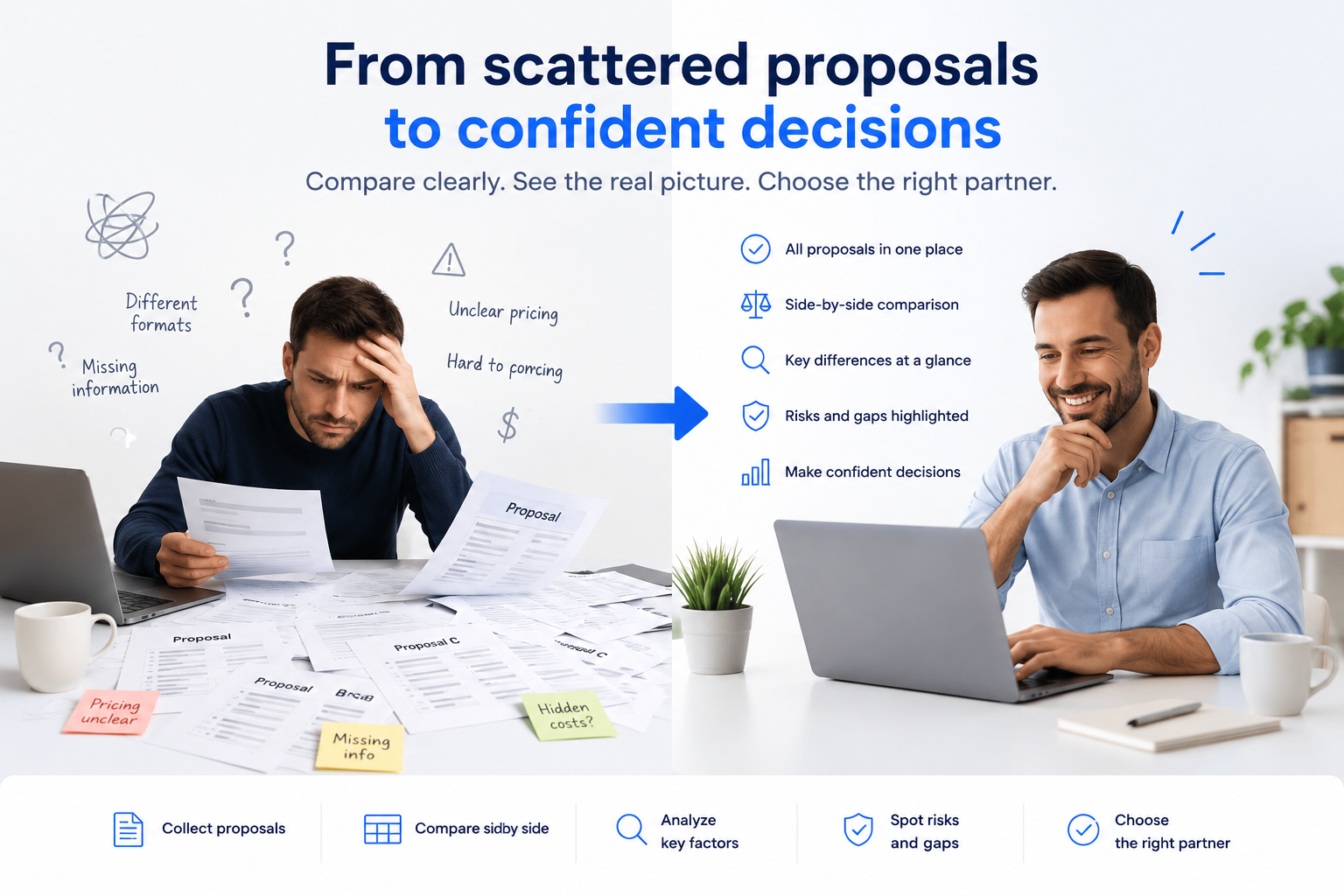
Choosing a new SaaS platform should be simple.
You define what you need, speak with a few suppliers, receive proposals, compare them, and pick the best option.
In reality, it rarely feels that clean.
One supplier gives you a low subscription price but says very little about implementation. Another includes great support but is more expensive. A third has impressive features, but the contract terms are unclear. Someone in the business asks, “Which one should we choose?” and suddenly the decision is sitting with the founder, COO, CFO, IT manager, project manager or operations lead.
For many small and medium-sized businesses, there is no dedicated procurement team to structure the process. That means technology buying often happens through a mix of demos, email proposals, spreadsheets, gut feeling and internal pressure to move quickly.
This guide gives you a simple way to compare SaaS proposals more clearly, even without a formal procurement function.
Why SaaS proposals are hard to compare
SaaS suppliers rarely present information in the same way.
One proposal might quote per user per month. Another might quote an annual platform fee. Another might separate implementation, support, integrations, training, storage and security features into different line items.
Even when two suppliers look similar, the details can be very different.
Common differences include:
pricing model
implementation fees
support level
contract length
renewal terms
integrations
security features
data export options
onboarding effort
usage limits
admin controls
reporting capabilities
service levels
optional add-ons
This makes it difficult to compare proposals fairly.
The risk is that the decision becomes too focused on price or on whichever supplier gave the most polished demo.
The biggest mistake: comparing only the headline price
Price matters. But the cheapest proposal is not always the best value.
A lower-cost SaaS proposal can become expensive if:
key features are missing
integrations require custom work
implementation takes longer than expected
support is limited
users do not adopt the tool
reporting is too basic
important security features are paid add-ons
the contract has weak exit terms
pricing increases sharply after year one
For example, a supplier that is €20,000 cheaper in year one may not be cheaper if your team spends months building workarounds, paying for add-ons, or replacing the tool later.
A better question is not:
“Which proposal is cheapest?”
The better question is:
“Which proposal gives us the best fit, at an acceptable cost, with manageable risk?”
A simple SaaS proposal comparison framework
When comparing SaaS proposals, use seven areas.
1. Requirement fit
Start with the basics: does the solution actually meet your needs?
Separate your requirements into:
must-have
nice-to-have
future requirement
not required
Then check each supplier against them.
For every important requirement, ask whether it is:
fully supported
partially supported
supported through customisation
supported through a third-party integration
not supported
This is important because suppliers often say “yes” during a sales process, but the detail matters.
A requirement that is “available through custom development” is not the same as a feature that works out of the box.
Good questions to ask:
Which requirements are supported natively?
Which require configuration?
Which require custom development?
Which require third-party tools?
Which requirements are not supported today?
Are any features still in beta or roadmap?
2. Total cost of ownership
Do not compare only the subscription price.
The real cost of SaaS usually includes more than licences.
Check:
subscription fees
implementation fees
onboarding costs
training costs
support fees
premium support
integration costs
data migration costs
storage fees
API usage fees
admin or security add-ons
SSO or audit log costs
reporting or analytics add-ons
renewal increases
A proposal that looks cheap at the subscription level may become expensive once all required add-ons are included.
Good questions to ask:
What is included in the quoted price?
What is optional?
What is usage-based?
What features require a higher plan?
What costs apply after year one?
Are discounts temporary or permanent?
What is the estimated three-year cost?
For SaaS decisions, the three-year cost is often more useful than the first-year price.
3. Implementation effort
A great tool can still fail if implementation is poor.
Look beyond the software itself and compare how each supplier will help you get live.
Check:
implementation timeline
project plan
responsibilities
data migration support
training
change management
technical setup
integrations
testing
go-live support
post-launch support
Be careful with vague statements like “implementation included”. Ask what that actually means.
Good questions to ask:
Who manages implementation?
What does the project plan look like?
What does the buyer need to provide?
How much internal time will be required?
Is data migration included?
Is training included?
What happens if implementation is delayed?
Who supports us after go-live?
For SMEs, internal capacity is often limited. A cheaper supplier that requires a lot of internal work may not be the best option.
4. Integrations
SaaS tools rarely operate alone.
A CRM may need to connect to email, marketing automation, finance systems and customer support tools. A project management platform may need to connect to Slack, Microsoft 365, Jira, GitHub or reporting tools. A cybersecurity platform may need to connect to identity, endpoint or cloud systems.
When comparing proposals, check whether integrations are:
native
available through standard connectors
available through API
custom-built
dependent on third-party tools
not available
Good questions to ask:
Which integrations are native?
Which require custom work?
Are integration costs included?
Are APIs included in the quoted plan?
Who is responsible for integration setup?
Are there limits on API calls or data sync?
What happens if an integration breaks?
A supplier may meet your functional requirements but still create operational problems if it does not fit your existing technology stack.
5. Security and compliance
For many SMEs, security is only reviewed late in the buying process. That can create delays or risk.
You do not need an enterprise-level security review for every small tool, but you should understand the basics.
Check:
data hosting location
GDPR position
data processing agreement
sub-processors
access controls
single sign-on
audit logs
encryption
backup and recovery
incident response
certifications such as SOC 2 or ISO 27001
data export and deletion
Good questions to ask:
Is a GDPR-compliant DPA available?
Where is data hosted?
Who are the sub-processors?
Is SSO included or paid extra?
Are audit logs available?
What security certifications do you hold?
How do you handle incidents?
How can we export and delete our data?
Security features are often tied to higher pricing tiers, so check whether the proposal includes what you actually need.
6. Support and service levels
Support can make a major difference after purchase.
Compare:
support hours
response times
support channels
customer success model
escalation process
dedicated account management
onboarding support
knowledge base and training resources
service level agreement
Good questions to ask:
What support is included?
Is support 24/7 or business hours only?
What is the response time for critical issues?
Is there a dedicated customer success manager?
Are service credits available if uptime commitments are missed?
What support is included during implementation?
What support is included after go-live?
For business-critical tools, weak support can become a serious operational risk.
7. Contract flexibility and exit risk
The contract is often reviewed too late.
Before choosing a supplier, compare the commercial and legal terms that could affect you later.
Look at:
contract duration
auto-renewal
termination rights
price increases
data export
liability limits
service levels
payment terms
renewal notice period
cancellation process
changes to features or pricing
Good questions to ask:
How long is the initial contract?
Does it auto-renew?
How much notice is required to cancel?
Is there a cap on annual price increases?
Can we terminate for cause?
What happens to our data if we leave?
Can we export data in a usable format?
Are important terms included in the contract or only mentioned in the proposal?
A supplier with a strong product but poor contract flexibility may still create risk.
Create a side-by-side comparison
Once you have the information, avoid making the decision from separate PDFs or email threads.
Create a simple comparison table.
At minimum, compare:
Area | Supplier A | Supplier B | Supplier C |
|---|---|---|---|
Annual cost | |||
Implementation cost | |||
Estimated timeline | |||
Must-have requirement fit | |||
Key gaps | |||
Integrations | |||
Support level | |||
Security/compliance | |||
Contract risks | |||
Overall recommendation |
This makes trade-offs visible.
You may find that:
the cheapest supplier misses important requirements
the premium supplier is strong but more than you need
the best option is the supplier with the strongest fit at a reasonable cost
the decision depends on one or two unresolved questions
The goal is not to create a perfect scoring model. The goal is to make the decision clearer and more defensible.
Ask follow-up questions before deciding
If a proposal is unclear, do not guess.
Ask suppliers targeted follow-up questions.
Examples:
Can you confirm whether this feature is included in the quoted price?
Is the integration native or custom?
What implementation support is included?
What is the total year-one cost including all required add-ons?
What would the renewal price be in year two?
Can you provide your standard DPA?
Can you confirm your uptime SLA and support response times?
Can we export all data in CSV or JSON if we terminate?
Which requirements are not supported today?
What assumptions have you made in your proposal?
Good follow-up questions reduce risk before you sign.
How to make the final decision
The best SaaS decision is usually not based on a single factor.
A balanced decision considers:
business fit
user adoption
total cost
implementation effort
integration fit
supplier support
security and compliance
contract risk
future scalability
A simple decision rule:
Choose the supplier that best meets your critical requirements, at an acceptable total cost, with a realistic implementation plan and manageable risk.
That may not be the cheapest proposal.
It may also not be the most feature-rich proposal.
It is the proposal that best fits your business.
Where AI can help
AI can be useful in SaaS proposal comparison, especially when you have several supplier responses written in different formats.
AI can help:
summarise long proposals
compare suppliers side by side
identify missing information
highlight risks and caveats
suggest follow-up questions
spot differences between price and value
support an internal recommendation
AI should not replace business judgement. But it can make the comparison faster, clearer and more structured.
For SMEs without a dedicated procurement team, this can be especially valuable. It gives buyers a more disciplined way to evaluate suppliers without needing a heavy enterprise procurement process.
Final checklist before choosing a SaaS supplier
Before making a decision, check:
Have we separated must-have and nice-to-have requirements?
Have we compared total cost, not just subscription price?
Do we understand implementation effort and responsibilities?
Are required integrations included and realistic?
Have we checked security and data protection basics?
Do we understand support levels and escalation?
Are contract terms acceptable?
Have we asked follow-up questions where proposals were unclear?
Can we explain why the recommended supplier is the best fit?
If the answer is yes, you are in a much stronger position to make a confident decision.
Comparing SaaS suppliers?
Sidorus helps SMEs structure technology requests, collect supplier proposals, compare options side by side and use AI to highlight risks, trade-offs and follow-up questions.
It is designed for teams that need to buy technology more confidently, even without a dedicated procurement function.
Try Sidorus free during beta.